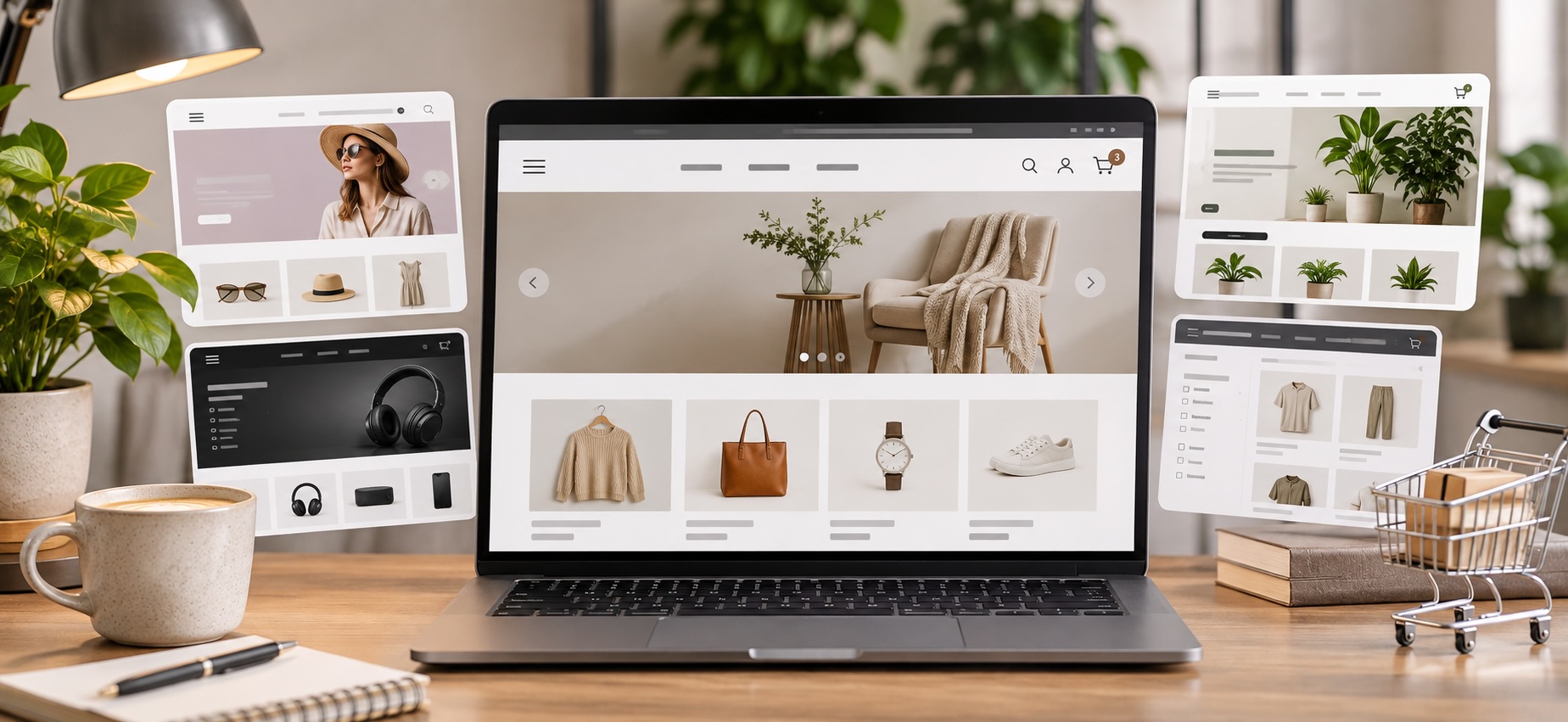
You launch a new campaign and traffic starts climbing. Then you start noticing the problems. Product pages are slow, customers struggle to find the right variant, and the mobile menu is harder to use than it should be. A promotion sends shoppers to a collection page that was never really built for a large product catalog.
The theme may have looked great in the demo, but that does not mean it works the way your store runs. Choosing the best Shopify theme is more than design. It affects how easily customers find products, move through the buying process, and complete a purchase. It also affects how much custom development your team needs to keep everything working.
A good Shopify theme should be able to grow with your business as you add products, run promotions, expand into new channels, and handle more orders. It should make running your store easier, not become another system your team must work around.
Key Takeaways
The best Shopify theme depends on how your store operates.
Catalog size, product variants, navigation, and merchandising needs matter more than how a theme looks in a demo.
Free Shopify themes can be a smart starting point.
Options like Dawn and Horizon offer flexibility without upfront theme costs, but added apps and custom development can increase expenses over time.
Your theme should make shopping easier, not harder.
Mobile usability, clear product filtering, and simple variant selection help reduce friction, improve conversions, and prevent avoidable ordering mistakes.
Choose a theme that can grow with your business.
Look for built-in features, app compatibility, and the flexibility to handle larger catalogs, new collections, and changing customer expectations.
A better storefront is only half the customer experience.
Your Shopify theme helps customers place orders, but connected inventory and fulfillment operations ensure those orders are processed accurately as your business grows.
What Makes a Shopify Theme Good for a Growing Ecommerce Brand
There is no single best Shopify theme for every business. Shopify currently offers more than 1,200 themes through its Theme Store, including free and paid options built around different industries, catalog sizes, and features. It also makes it easy to choose based on appearance instead of operational fit, so you have plenty of options.
Before comparing themes, start with how your store actually works. A strong Shopify theme should support:
- Your current catalog size
- The number of product variants you manage
- Mobile shopping behavior
- Product filtering and search
- Promotions and merchandising
- Quick purchase options
- Product recommendations
- Your existing Shopify apps
- The amount of customization your team needs
- The volume of new products or collections you launch
The goal is not to find the theme with the longest feature list. It’s to find one that handles the way customers shop for your catalog without adding unnecessary complexity behind the scenes.
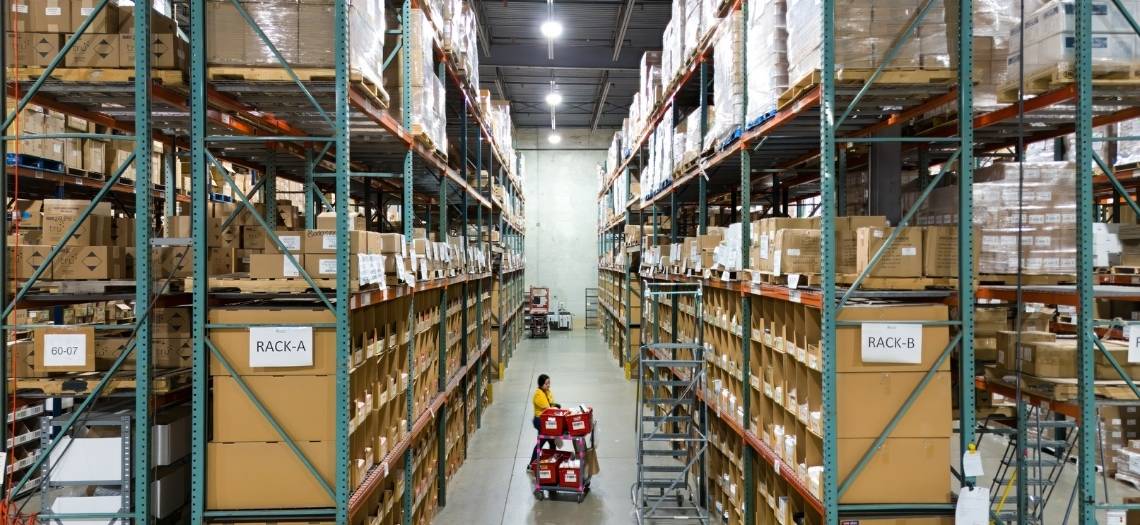
That same principle applies after checkout. When your Shopify store connects directly with MAI, order and inventory data can move into fulfillment workflows without your team manually transferring information between systems.
A better storefront gets the order cleanly, and a connected fulfillment operation keeps it moving quickly.
Best Shopify Themes for Different Ecommerce Needs
The best Shopify templates usually become easier to evaluate once you stop looking for one universal winner because different stores have different needs.
A beauty brand with 30 highly visual products has different requirements than an apparel company managing hundreds of SKUs, sizes, colors, and seasonal collections.
Here are several strong options to consider based on the type of operation you are running.
Dawn Is a Strong Free Starting Point for Product Focused Stores
Dawn remains one of Shopify’s most recognizable free themes. It uses a relatively minimal layout that puts product imagery at the center of the experience.
Shopify describes Dawn as a theme designed to keep customer attention focused on products through large images, simple typography, and media focused product pages.
That makes Dawn a practical option when you want flexibility without paying for a premium theme before you know which features you really need.
It can work well for
- Apparel
- Accessories
- Beauty
- Lifestyle products
- Smaller to midsize catalogs
- Brands with strong product photography
Where brands run into trouble is over-customizing.
A free theme can become expensive if you keep adding apps, custom code, and design changes to recreate features that may already exist in a premium option.
Before committing to Dawn, build a list of the functionality you expect to need over the next 12 to 24 months. If that list requires six additional apps and extensive development, the free theme may not be the lowest cost option anymore.
From a fulfillment perspective, the front end should remain separate from the operational complexity behind it. MAI’s Shopify integration helps keep orders, inventory, and fulfillment data connected as order volume grows, regardless of how heavily you customize the customer facing storefront.
Horizon Gives Shopify Brands a Flexible Free Theme Option
Horizon is another free Shopify theme currently available in the official Theme Store. Shopify has also created a dedicated collection of Horizon based themes, making it increasingly relevant for merchants to evaluate newer free options.
It is worth considering if you want more layout flexibility without immediately moving into a paid theme. That flexibility is useful when your merchandise changes frequently.
You may need to build landing pages for
- New product launches
- Seasonal promotions
- Bundles
- Influencer campaigns
- Limited edition releases
- Category expansion
A rigid theme forces your team back into development every time merchandising changes. A flexible section-based theme can reduce that dependency and help marketing teams move faster.
The operational connection is easy to miss. Better merchandising can create sudden volume spikes. A successful launch may push hundreds or thousands of orders into your system in a short window.
That is where storefront scalability and fulfillment scalability need to match. MAI helps Shopify brands manage those surges through integrated order flows, scalable pick and pack operations, inventory visibility, and fulfillment processes built for changing order volume.
Enterprise Works Well for Large Catalogs and High-Volume Stores
If your catalog is getting larger, navigation becomes operationally important. Enterprise is currently one of the more prominent paid themes in Shopify’s Theme Store and is listed among Shopify’s popular themes for 2026.
Themes built for larger catalogs typically place more emphasis on product discovery, collection navigation, filtering, and merchandising. Those features matter when customers cannot reasonably scroll through everything you sell.
A large catalog can create friction through
- Too many collection layers
- Poor filtering
- Similar SKUs
- Variant confusion
- Difficult mobile navigation
- Promotional products getting buried
That friction hurts conversion and can also create downstream problems if customers accidentally order the wrong size, color, configuration, or product variation.
Your theme will not solve inventory accuracy inside the warehouse, but a clearer storefront can help reduce avoidable customer mistakes before an order ever reaches pick and pack.
Once the order is placed, MAI’s fulfillment technology keeps Shopify order data connected to warehouse inventory and fulfillment workflows so that larger catalogs do not have to mean more manual processing.
Prestige Is Built for Brands Where Presentation Drives the Sale
Some ecommerce categories rely heavily on storytelling. Beauty, fashion, jewelry, wellness, and premium consumer products often need more than a basic product grid.
Prestige is a paid Shopify theme designed around highly configurable sections and brand focused presentation. It is currently available through Shopify’s official Theme Store.
A theme like Prestige makes sense when customers need to understand more than specifications.
They may need
- Lifestyle imagery
- Ingredient or material information
- Product education
- Before and after content
- Editorial storytelling
- Brand differentiation
The mistake is allowing visual presentation to make purchasing harder. Think large images, animation, video, and editorial modules still need to support a clear path to the product and checkout.
Test your store the way a customer actually uses it. Can someone reach a product quickly from a mobile device? Can they select a variant without confusion? Is the add to cart button easy to find? Can returning customers purchase without working through the entire brand story again?
Good design should remove friction.
Once customers buy, MAI can take over the operational side through Shopify connected fulfillment, helping orders move from the storefront into inventory allocation, pick and pack, and shipping workflows without creating another manual handoff.
Impact Can Support Brands With Strong Visual Merchandising
Impact is another premium Shopify theme designed around bold visual merchandising. The current Shopify Theme Store listing includes tools such as collection navigation, enhanced search, mega menus, filtering, quick product discovery, and other merchandising features.
That combination can make sense for brands with visually distinct products and a catalog large enough to require stronger navigation. The important question is whether those features replace tools you would otherwise need to add through separate apps.
Every additional app introduces another dependency.
That can mean
- Another subscription
- Another integration
- More code loading on the storefront
- More testing after theme updates
- Another vendor to troubleshoot when something breaks
Built in functionality can reduce some of that operational overhead and the same logic applies to fulfillment technology. The fewer manual connections your team needs to maintain, the easier it becomes to scale.
MAI connects Shopify directly to fulfillment operations so orders can flow into the warehouse without spreadsheets, repeated data entry, or separate order uploads.
The Best Free Shopify Themes Can Be More Than Enough
A paid theme is not automatically better. Shopify currently offers more than 20 free themes in its Theme Store, including Dawn, Horizon, Sense, Craft, Ride, Studio, Taste, Refresh, Origin, and several newer options.
For many brands, the best free Shopify themes provide everything needed to launch a clean, functional store.
Free themes are especially practical when you are still learning
- How customers navigate your catalog
- Which collection structures convert
- Which merchandising tools you actually use
- How many apps you need
- What your mobile traffic does differently
- Which promotions drive repeat purchases
You do not need to solve every future storefront requirement on day one. You need enough flexibility to operate effectively without creating unnecessary technical debt.
Shopify also notes that its free themes can be customized without coding for core functionality, and Shopify Support may assist with certain customizations on Shopify built free themes. That can make a free theme the right starting point for a growing brand.
Your fulfillment setup should follow the same principle. Do not build more complexity than you need. Use systems that work now but can accommodate the next level of order volume.
Choosing a Shopify Theme Only for Looks Creates Problems Later
A polished demo store can hide a lot of operational gaps so before installing a theme, look past the homepage and test the actual buying journey.
Check the Collection Pages
Check Product Variant Handling
Check Mobile Performance
Your desktop homepage is not enough. Test navigation, collection filters, product imagery, variant selection, cart functionality, and checkout flow on multiple screen sizes. Pay attention to how much scrolling is required before a customer can make a decision.
The objective is not to make every page short but to remove unnecessary steps between product discovery and purchase.
Do Not Ignore Theme Compatibility With Your Shopify Apps
The theme is only one part of your Shopify technology stack.
Your store may also rely on
- Subscription tools
- Reviews
- Loyalty programs
- Bundling apps
- Upsell tools
- Email platforms
- Search applications
- Product personalization
- Inventory software
- ERP connections
- Fulfillment integrations
Changing themes can affect how those systems display or behave so create a staging version before publishing anything. Then test the full order flow from product page to fulfillment.
Place test orders with
- Different variants
- Discount codes
- Bundles
- Multiple quantities
- Different shipping methods
- Subscription products when applicable
Do not stop testing after checkout. Confirm that SKU information, quantities, shipping methods, and customer data arrive correctly in downstream systems.
MAI’s Shopify integration is designed to connect the ecommerce order directly with fulfillment operations. That gives brands a cleaner path from checkout to inventory allocation, pick and pack, and shipping as order volume increases.
A Theme Change Should Not Disrupt Fulfillment
A redesign can feel like a marketing project but operationally, it is still a system change. Anything that modifies product IDs, SKUs, bundle logic, order tags, shipping methods, or app behavior can affect what happens after checkout.
Before launching a new theme, review anything that could change the order data leaving Shopify.
Pay particular attention to
- SKU structure
- Product variants
- Bundle configurations
- Order tags
- Subscription rules
- Shipping options
- Inventory locations
- Custom product fields
Run test transactions before the new site goes live then compare those orders against what arrives in your fulfillment system. A customer should not know you changed themes because the wrong item was shipped.
When MAI supports your Shopify fulfillment, our focus is on keeping order and inventory information moving accurately between your store and warehouse operations so site changes do not create avoidable fulfillment problems.
Free Versus Paid Shopify Themes
A Free Shopify Theme Makes Sense When
- Your catalog is relatively straightforward
- Your merchandising needs are simple
- You want to validate your store structure first
- You have limited customization requirements
- You can operate without multiple premium features
A Paid Shopify Theme Makes Sense When
- You manage a larger catalog
- You need stronger filtering or navigation
- Your brand relies heavily on visual merchandising
- You want more built-in functionality
- A premium feature can replace several paid apps
- Your team frequently launches campaigns or new collections
The theme price is only one part of the cost. Also consider development, app subscriptions, maintenance, testing, and the internal time required to manage the storefront. A $400 theme that removes three recurring apps may cost less over time than a free theme with heavy customization.
Are Shopify Themes Better Than Using a Separate Website Builder
If you are comparing Shopify with the best website builder options more broadly, keep the decision tied to what you are actually operating. A general website builder may work well for content focused businesses but an ecommerce brand has additional requirements.
You need product management, checkout, inventory, promotions, payments, order processing, integrations, and fulfillment connections working together. That operational layer matters more as you scale.
Shopify themes are built specifically for Shopify’s commerce environment, which means the storefront sits on the same platform managing products, orders, and checkout. Shopify also reviews themes offered through its Theme Store, and the company recommends using Theme Store themes rather than unsupported third party sources because outside themes may not be vetted for compatibility with core Shopify functionality.
While that does not automatically make Shopify the right choice for every business, it does reduce the number of disconnected systems an ecommerce operator may need to manage.
How to Choose the Best Shopify Theme Before You Commit
Shopify recommends evaluating themes based on catalog size, required features, industry, branding needs, and budget. For a growing ecommerce business, we would add one more requirement … test for scale.
Ask yourself
- Will navigation still work if the catalog doubles
- Can you launch new collections without development
- Can customers find products quickly on mobile
- Does the theme handle your most complex variants
- Can built in features replace unnecessary apps
- Does the theme work with your existing integrations
- Can your team make routine changes without a developer
- Does checkout create clean order data for downstream systems
Your Shopify Theme Is Only One Part of the Customer Experience
A fast, well designed Shopify store can make it easier for a customer to buy but that is only the first half of the experience. Once the order is placed, the customer expects the right product, accurate tracking, reliable delivery, and a simple process if something goes wrong.
Your theme cannot fix a missed carrier cutoff. It cannot correct inaccurate inventory. It cannot pick the right SKU. It cannot keep a launch moving when order volume suddenly doubles.
That is the fulfillment side of ecommerce. The strongest Shopify operations connect both sides and your storefront should make purchasing simple. Your fulfillment operation should make delivering on that purchase just as reliable.
Build a Shopify Operation That Can Handle What Comes Next
The best Shopify themes are not necessarily the most expensive or the most visually impressive, but the ones that support the way your customers shop and the way your team needs to operate.
Start with catalog structure, mobile usability, merchandising requirements, app compatibility, and scalability. Then choose the design that fits those requirements.
When the storefront and fulfillment operation are both built for growth, higher order volume becomes something you can handle instead of another bottleneck to solve.
Ready to make sure your fulfillment operation can keep up with your Shopify growth?
With MAI as your fulfillment partner, you can connect your store to scalable inventory, pick and pack, and shipping operations without adding unnecessary operational drag.